Cash Z Posting Guide
Introduction
Cash Z's are accounting records generated when stores close their registers in Chaindrive POS. While this process doesn't directly impact store operations or customer data, it's essential for:
- Ensuring accurate GL postings
- Facilitating bank reconciliation
- Maintaining financial accuracy
Accessing the System
- Log into MD Accounting
- Navigate to:
Accounting > Cash Z - Default view displays all unposted Cash Z's
Understanding the Interface
Main Dashboard
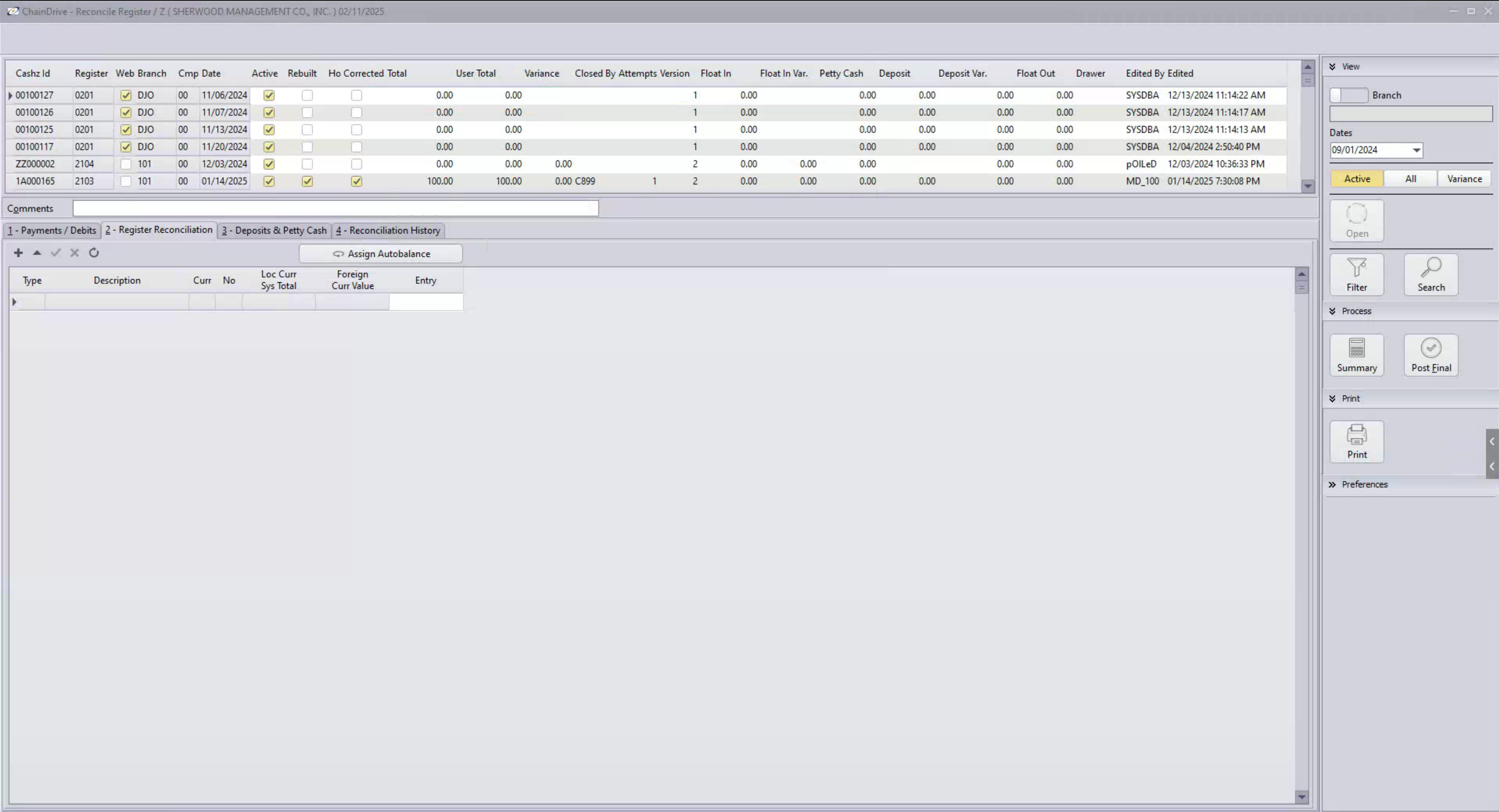
The main Cash Z screen displays crucial information including:
- Branch (retail location)
- Department
- Cash ID (station/register)
- Transaction totals
- Variance information
Key Data Fields
| Field | Description |
|---|---|
| Sales | Total sales for the register |
| Returns | Processed returns |
| Petty Cash | Cash removed for store expenses |
| Deposits | Money transferred to bank or store safe |
| Variances | Discrepancies between expected and actual amounts |
Daily Processing Workflow
1. Record Filtering
Start by setting up your view:
- Set date range to previous business day
- Filter by specific branches if needed
- Use "Non-Posted" view for pending transactions
2. Variance Review
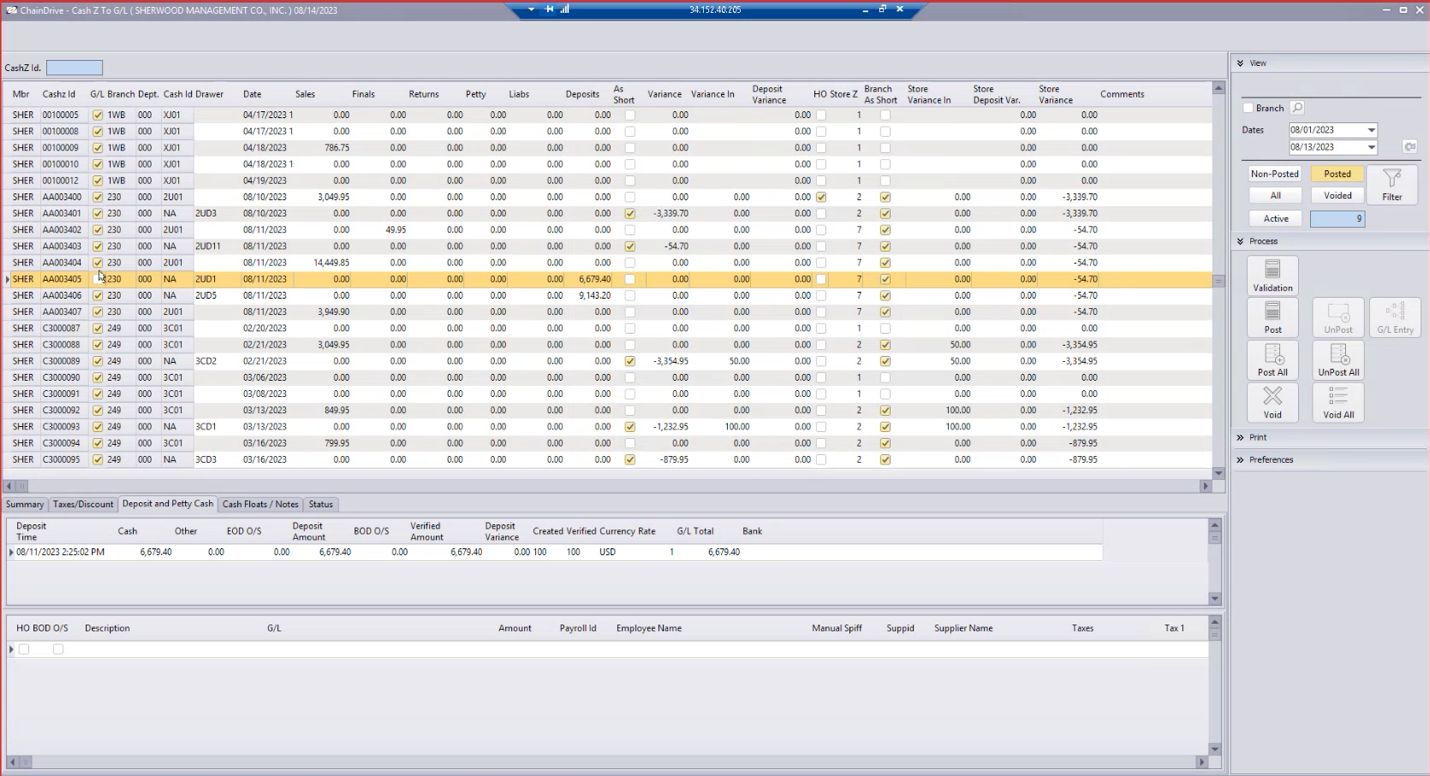
Review these key variance types:
- Store Deposit Variance
- Cash Variances
- Float Variances
- Branch variances
Important
Variances exceeding internal threshold require investigation before posting.
3. Deposit Verification
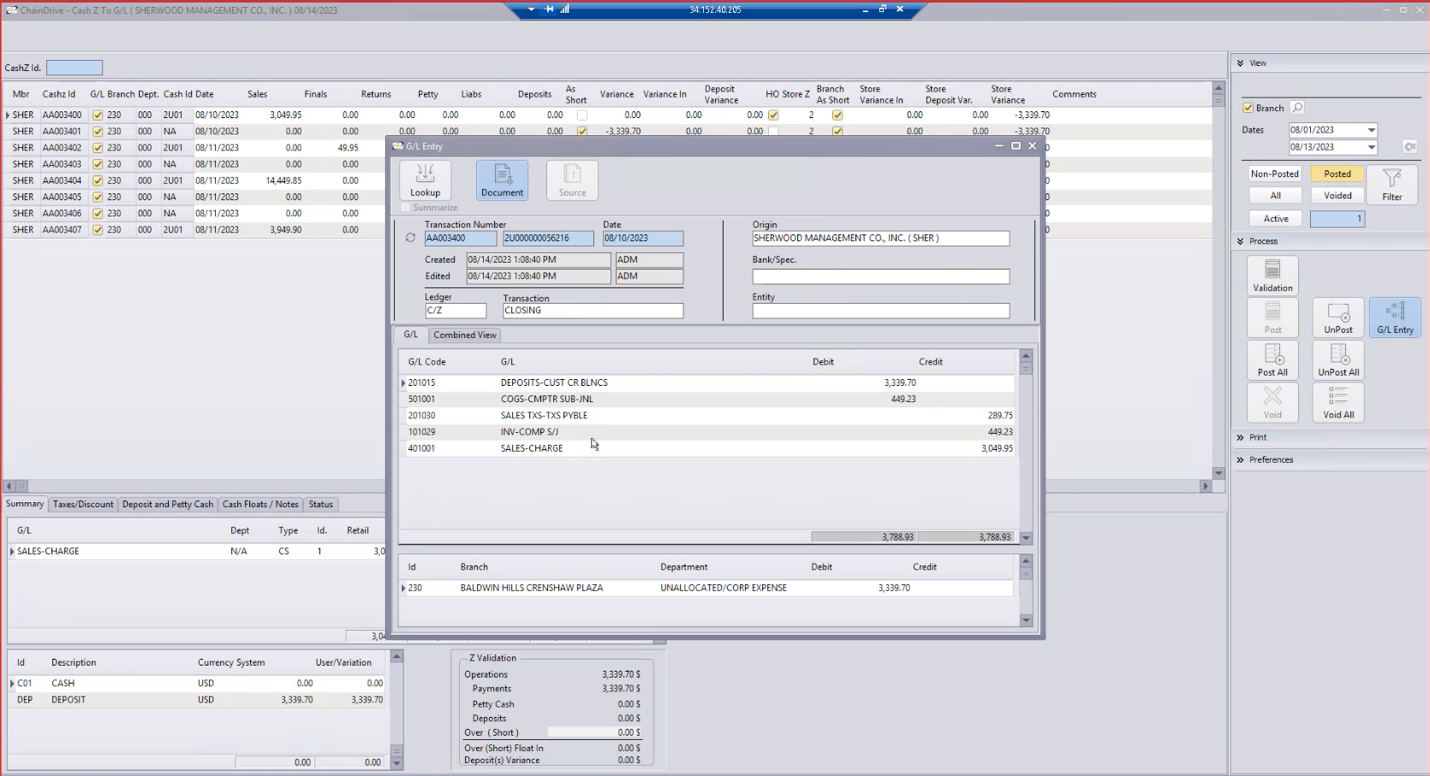
For each Cash Z record, verify:
- Deposit amounts
- Tender types
- Store comments
- Float values
4. Posting Procedures
Option A: Batch Posting
For records without variances:
- Use "Post All" function
- System performs automatic validation
- Suitable for clean batches only
warning
The "Post All" button posts everything - use with caution!
Option B: Selective Posting
For records with variances:
- Filter out variance records
- Post clean records first
- Investigate problematic records
- Make necessary corrections
- Post corrected records
Handling Variances
Common Issues
Investigation Steps
- Check deposit tab for missing entries
- Review float amounts
- Look for missing petty cash entries
- Contact store if needed
Typical Variance Causes
- Forgotten deposit entries
- Incorrect float amounts
- Missing petty cash documentation
- Inter-day timing differences
Post-Processing Verification
GL Entry Verification
After posting, verify these entries:
- Sales postings
- Cost of goods entries
- Tax account entries
- Deposit amounts
Best Practices
Daily Operations
- Process records daily to prevent backlog
- Address variances promptly
- Document unusual situations
- Maintain store communication
- Use filters effectively
Important Notes
- Changes must be made before posting
- Post-consolidation changes are complex
- Posted Cash Z's archive at period close
- Process doesn't affect store operations
Tips for Success
Efficiency Guidelines
- Review early in the day
- Maintain organized documentation
- Build good communication with stores
- Stay current with processing
- Address issues as they arise
Record Management
- Use filters effectively
- Keep clear notes
- Maintain audit trail
- Document special cases
- Follow up on recurring issues